
Guides
How to Build an AI Call Center (Step-by-Step Guide)
Phone Stack TeamApril 12, 20263 min read
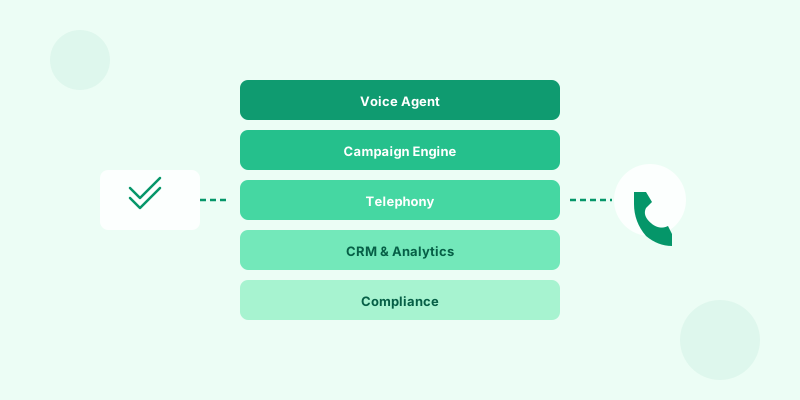
You can build an AI call center two ways: assemble it from primitives (Twilio + a voice agent SDK + your own campaign engine), or use a complete platform like Phone Stack. This guide walks both paths.
What an AI call center actually contains
A real AI call center has nine layers. Skipping any one of them is what causes "AI calling" projects to fail in production:
- Telephony — phone numbers, SIP trunks, regulatory compliance (Twilio is the standard).
- Voice runtime — the AI caller itself: STT + LLM + TTS, or a unified voice-to-voice model like Gemini Live.
- Campaign engine — list dispatch, dialing strategy, retry logic, time-zone-aware calling windows.
- Inbound routing — IVR-replacement, queueing, escalation paths.
- Voicemail handling — detection, personalized voicemail drops with dynamic fields.
- Tool-use — calendar booking, CRM writeback, email send, webhook fire.
- Compliance — TCPA consent, calling-window enforcement, recording disclosure, opt-out handling, and an internal Do Not Call list (federal/state DNC scrubbing is your responsibility before upload).
- Live monitoring — listen-live, barge-in, supervisor controls.
- Analytics — per-call recording, transcription, scoring, attribution.
Path A — Build it yourself (3–6 months)
| Layer | Tool | Build effort |
|---|---|---|
| Telephony | Twilio | 1 week |
| Voice runtime | Bland / Retell / Vapi / Gemini Live | 2 weeks |
| Campaign engine | Custom (queue + worker) | 4–6 weeks |
| Inbound routing | Custom | 2 weeks |
| Voicemail | Custom (AMD + drop) | 2 weeks |
| Compliance | Custom + DNC API | 4 weeks |
| Monitoring | Custom WebSocket | 3 weeks |
| Analytics | Deepgram + dashboards | 4 weeks |
Realistic timeline: 3–6 months before you handle real volume. Realistic engineering cost: $200k – $500k.
Path B — Use Phone Stack (15 minutes)
- Sign up at phonestack.com.
- Train an AI caller on your knowledge base.
- Buy a phone number ($2/mo for a US local number).
- Pick a campaign template or write a system prompt.
- Upload a contact CSV.
- Click Launch.
You're live. Every layer above ships in the box.
The decision
If you have a unique workflow that no platform supports, build it. If you're running standard contact-center work — sales, support, scheduling, surveys, collections — buy a platform. The economics are not close.
Related reading
ai call center
how-to
ai caller